A Bluetooth remote release for the Mamiya RZ67.

A 37 mm box on a CR2032 that plugs into the RZ67's electrical remote port. An Android or iPhone app fires the shutter over Bluetooth, holds it open for bulb, or runs a countdown. The board sleeps between uses and wakes on a button press.

The project started in 2023 on a Seeed XIAO ESP32-C3 and a Fritzing schematic. A custom ESP32-C3 board on a LiPo followed in 2025 and went through two fabricated revisions. The coin-cell board is the third design; rev A is its first order, after several layout rounds.

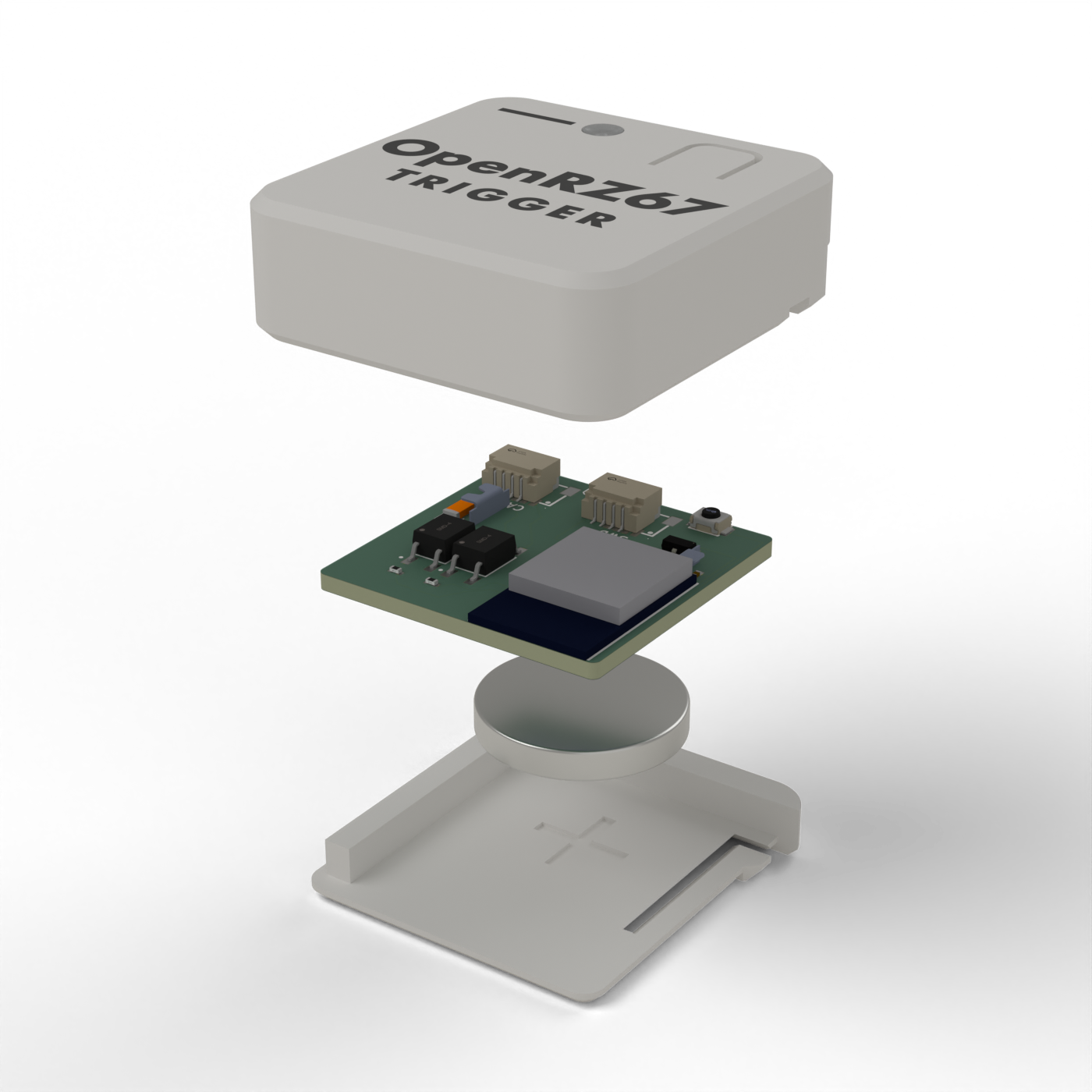
Exploded CAD view of the coin-cell trigger: white lid with OpenRZ67 Trigger lettering and a light pipe, the rev A board, a CR2032 under it and the sliding floor
Case + rev A board · CAD render
37 × 38 × 12 mm, the cell slides out the back.
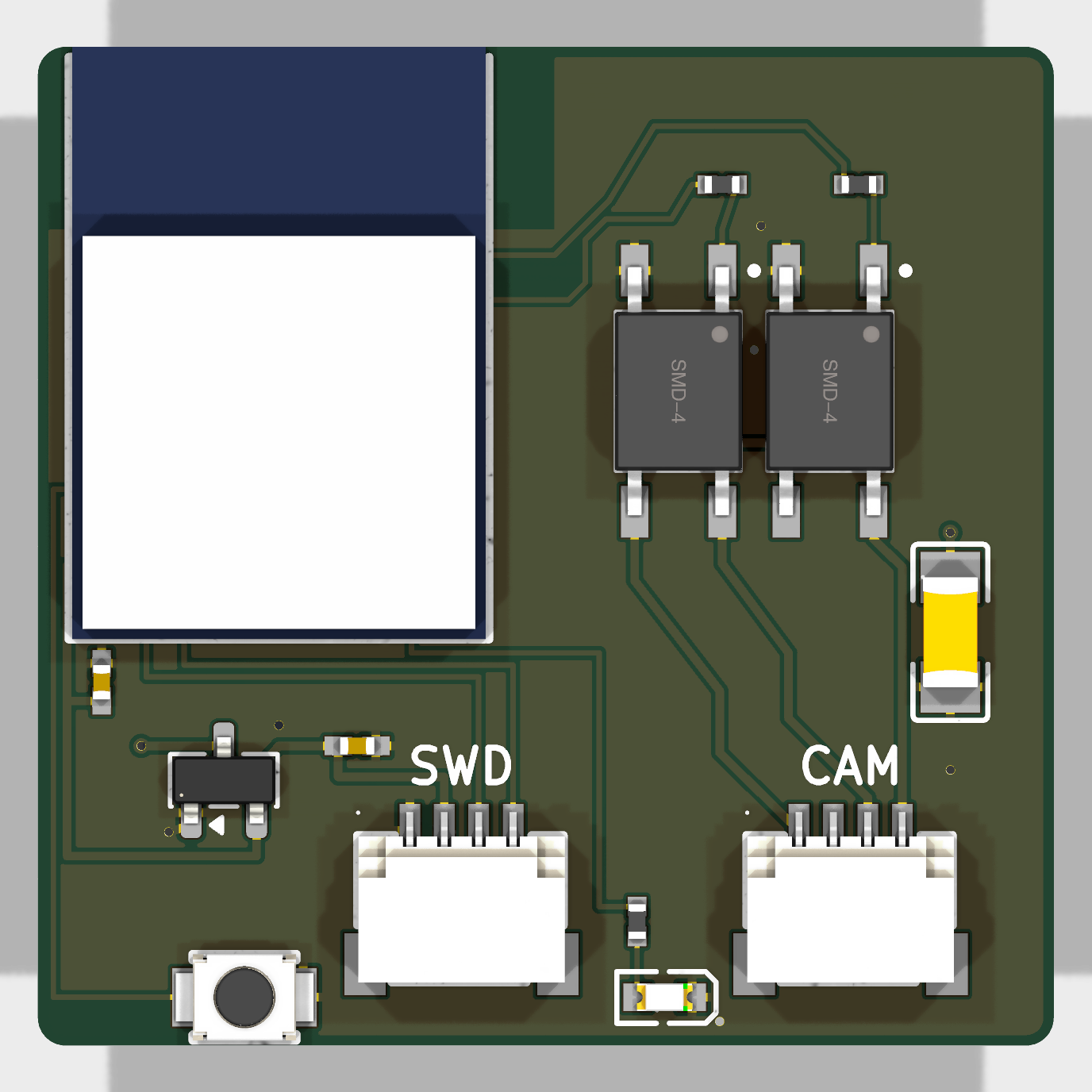
Top view of the 29.5 by 29 mm rev A board: nRF54L15 module, two PhotoMOS relays, SWD and camera connectors, button and LED
Rev A board · 29.5 × 29 mm · KiCad render

Repositories

Board, Android app and iPhone app each have their own repository, releases and issue tracker.

openrz67-trigger

rev A in testing

An nRF54L15 module on a CR2032, with no charger, regulator or power switch. Two isolated PhotoMOS channels close the camera's S1/S2 contacts. Zephyr firmware, updates over Bluetooth.

  • Instant release, bulb mode, configurable countdown
  • Comes assembled from JLCPCB, nothing to solder
  • 3D-printable case with a sliding floor for the cell

openrz67-android

v1.1 released

Android app. Connects to the trigger on its own and reconnects when the link drops.

  • Shutter, bulb and countdown with custom duration
  • Auto-connect and reconnect over BLE
  • APK on the releases page, or build with Gradle

openrz67-ios

works, build from source

iPhone app in SwiftUI, same modes as the Android app. Not in the App Store yet, so it has to be built in Xcode.

  • Shutter, bulb and countdown with custom duration
  • Auto-connect and reconnect over BLE
  • Build with Xcode 26, runs on iOS 17 or later

How it works

The RZ67's remote port exposes two contacts, S1 and S2. Shorting them to camera ground fires the shutter. The trigger does that through two PhotoMOS relays, so the cell and the camera share no ground.

Camera remote port

Four pins, viewed from the front of the camera.

PinSignal
16 V, not connected
2GND
3S1 switch
4S2 switch

Button and power

No power switch. The chip sleeps until the button wakes it.

StateWhat happens
AsleepAbout 0.7 µA by spec. A press wakes it.
AwakeAdvertises as OpenRZ67 for 5 minutes, then sleeps if no phone connects.
ConnectedStays on while the app holds the link. After a disconnect, 5 more minutes to reconnect.
Hold 3 sOff, until the next press.

BLE commands

Commands are single bytes written without response. Value = button × 10 + state.

ByteAction
11Fire shutter, 100 ms pulse
21 / 20Start / end bulb
31 / 30Start / cancel 10 s countdown
3 n 1Countdown of n seconds
The board also exposes the standard Device Information Service (firmware revision), a read/notify characteristic with the cell voltage in millivolts, and the standard Battery Service (0x180F) with the level in percent.
For bulb exposures set the shutter dial to B. The camera closes the shutter on its own after about 60 seconds regardless.
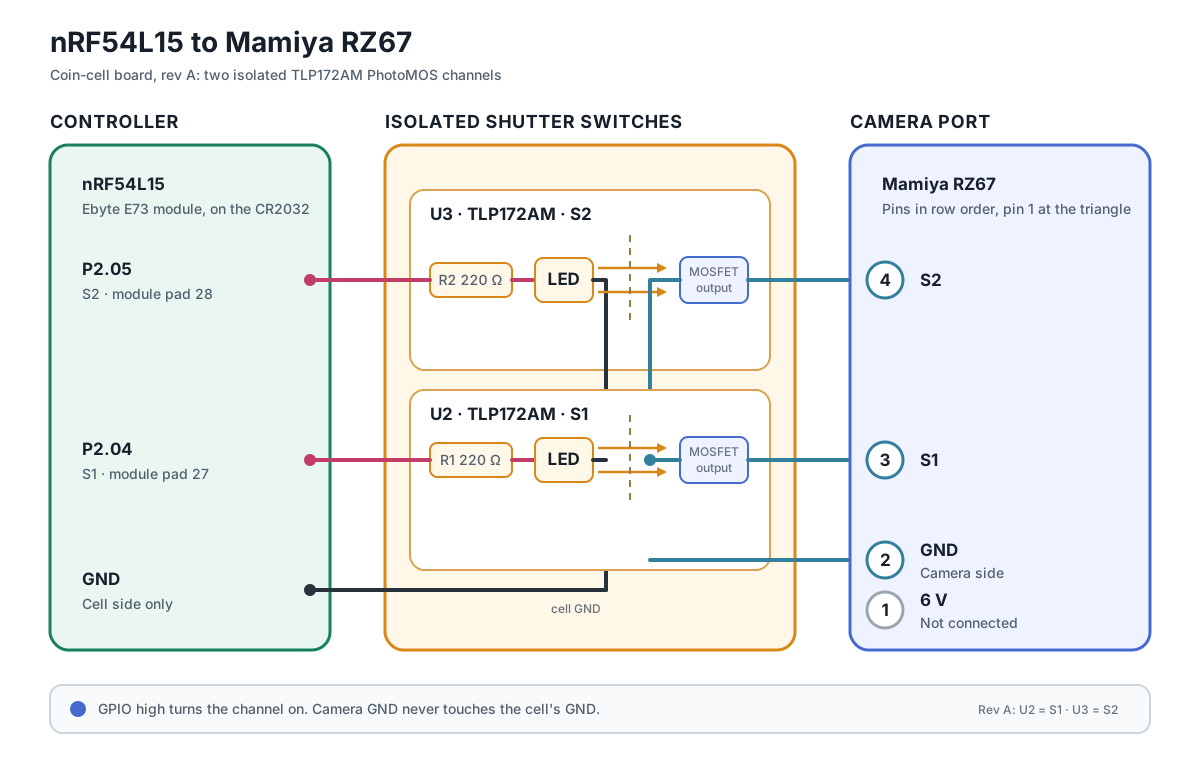
Wiring diagram: nRF54L15 pins P2.05 and P2.04 drive two TLP172AM PhotoMOS relays through 220 ohm resistors; their isolated outputs connect S2 and S1 to camera ground
How the two isolated channels reach the camera. On the board this is already routed.

The app

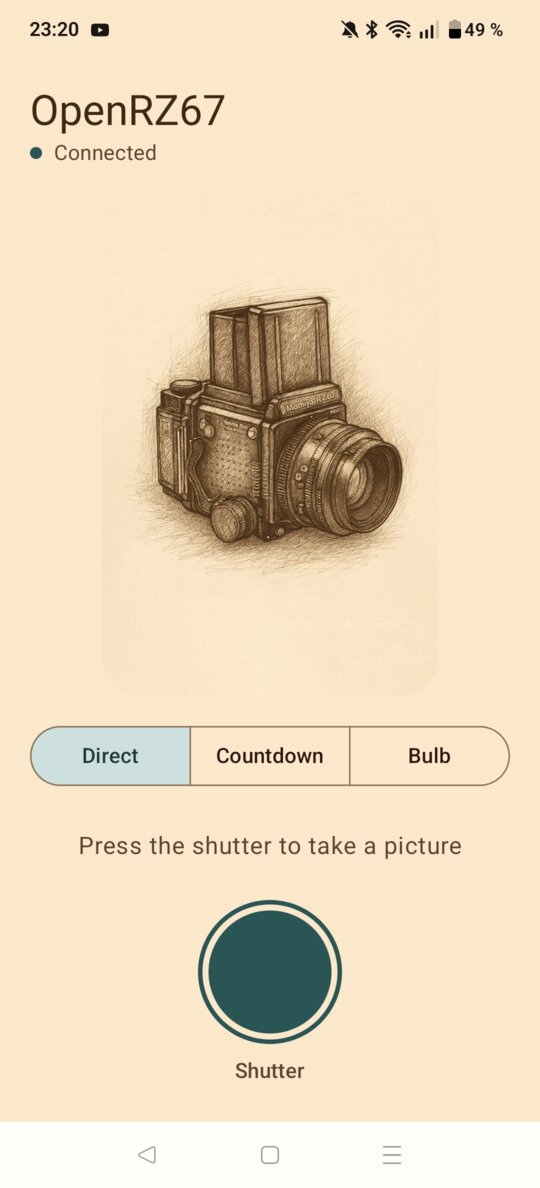
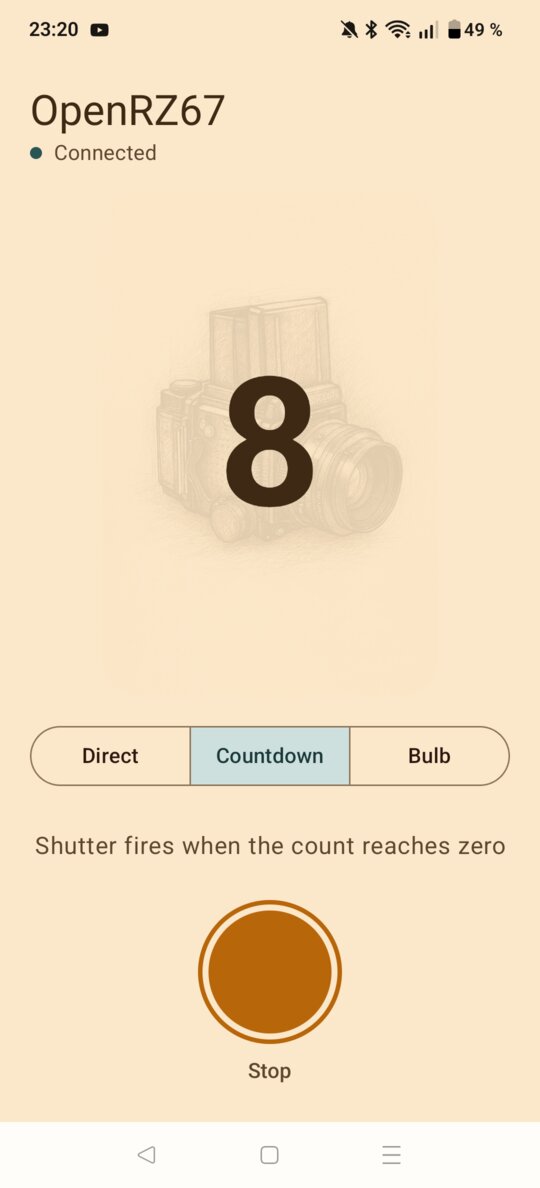
Mode selector at the top, one large release button. Light or dark theme follows the system setting.

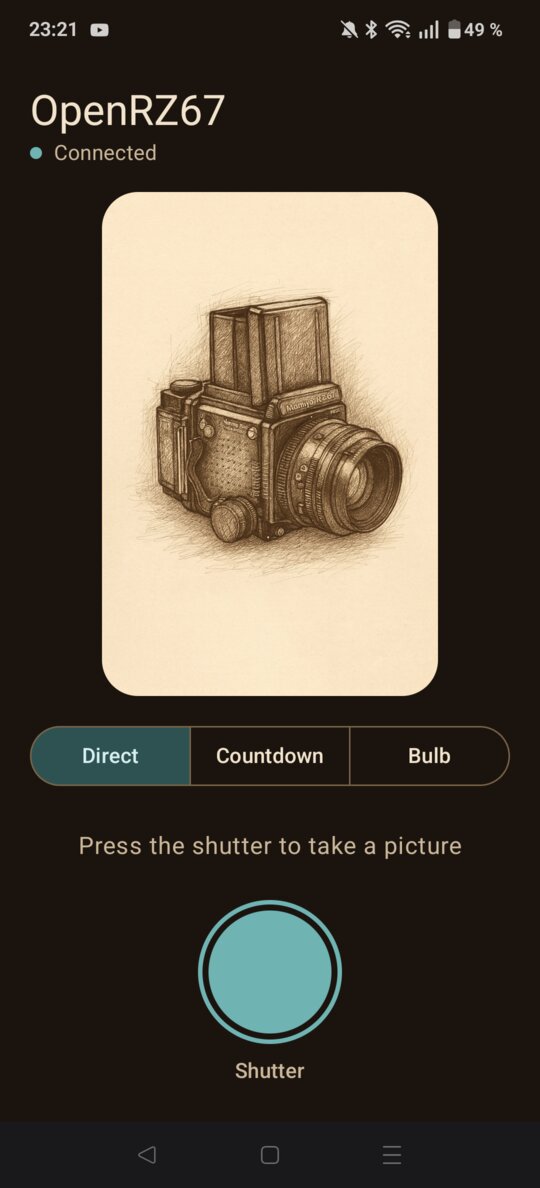
Android app: Direct mode with the shutter button
Direct
Android app: Countdown running
Countdown
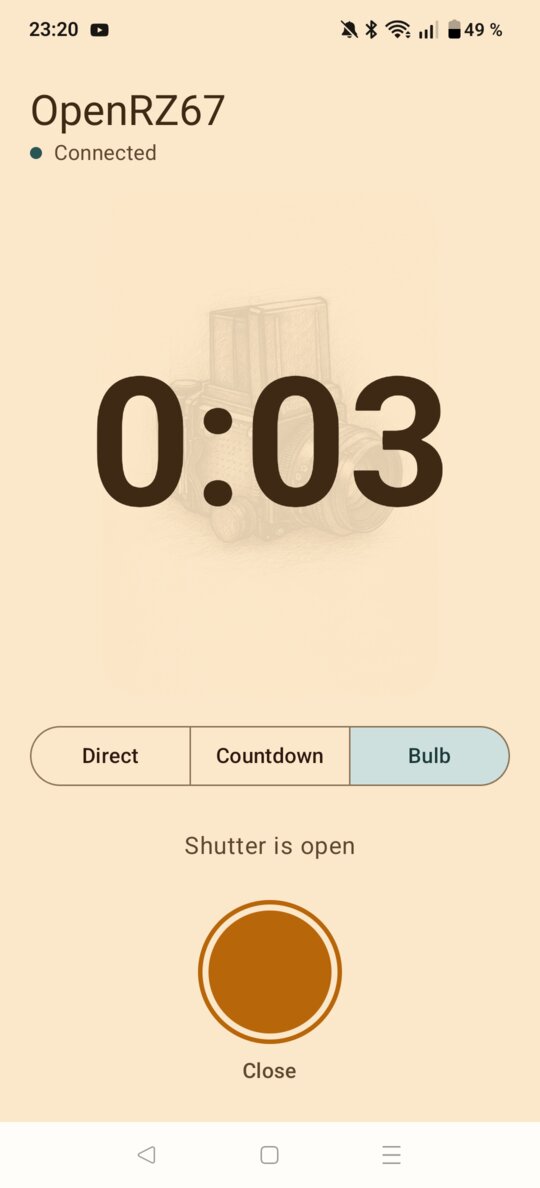
Android app: Bulb exposure with elapsed time
Bulb
Android app: Direct mode in dark theme
Dark theme

Building one

For now you order the board assembled from JLCPCB yourself; the rest plugs in. A kit with a finished board, and perhaps a printed case, may come once the design has settled. Rev A has not been signed off yet, so read the nrf README before ordering.

  1. Get a board

    Upload the Gerber zip, BOM and position file from nrf/kicad/out to JLCPCB, with assembly on both sides.

  2. Flash the firmware

    Build it with the nRF Connect SDK, then flash once over the SWD connector with a Raspberry Pi Pico 2 running Raspberry Pi's debugprobe firmware, cell out. After that, updates go over Bluetooth. Steps in nrf/firmware.

  3. Make the cable

    A Qwiic / STEMMA QT pigtail with female Dupont ends, pushed onto the camera pins and taped: black on pin 2 (GND), blue on pin 3 (S1), yellow on pin 4 (S2). The red wire is not connected on the board. Double-check orientation before you plug it in.

  4. Print the case

    Get the files from nrf/case: shell and sliding floor in ABS, no supports, and a light pipe in clear filament. The CR2032 goes in + side up.

  5. Install the app

    Grab the APK from releases. Press the button and the app connects on its own. On iPhone, build openrz67-ios in Xcode until it is in the App Store.

Other hardware

Same Bluetooth protocol, so the apps work with any of these without changes.

ESP32 board

rev 2 in regular use

The previous design, from 2025: an ESP32-C3 on a 250 mAh LiPo with USB-C charging, PlatformIO firmware and its own printed case. Bigger than the coin-cell board. Rev 1 was ordered in September 2025; rev 2 has been in use since September 2026.

Perfboard

sketch, not built

The coin-cell circuit with off-the-shelf parts and through-hole soldering: a Seeed XIAO nRF54L15, two DIP PhotoMOS relays and a small LiPo. Same firmware, flashed over the XIAO's USB-C.

Roadmap

  • done
    XIAO ESP32-C3 prototype

    2023. Dev board, Fritzing schematic, first version of the BLE protocol and the Android app.

  • done
    ESP32 board in regular use

    Rev 1 ordered September 2025, drawn in EasyEDA; it worked, but its LGS5500 charger led to a new power path. Rev 2 with PhotoMOS relays, BQ25185 charger and TPS63031 buck-boost, in use since September 2026.

  • in progress
    Coin-cell board, rev A

    Boards ordered 2026-10-10. Board, firmware and case under test.

  • in progress
    App Store release

    The iOS app works against the trigger. Next: an Apple developer account and review.

  • ideas
    DIY kit

    Assembled board, with or without a printed case, once rev A has settled.

  • ideas
    More of the RZ67 system

    Other parts of the RZ67 system may follow.